

Papamoo

Your subscriptions.Always in sight.

See what's paid, what's next, and what the month will cost.Get a reminder before the next charge.

Requires iOS 26 or laterPrivacy
Built for the renewals you forget

Your subscriptions should not surprise you.

Papamoo turns recurring payments into a timeline you can read at a glance—what is already paid, what is still coming, and when to expect it.

03 / Widgets

Your subscriptions.Before you even open the app.

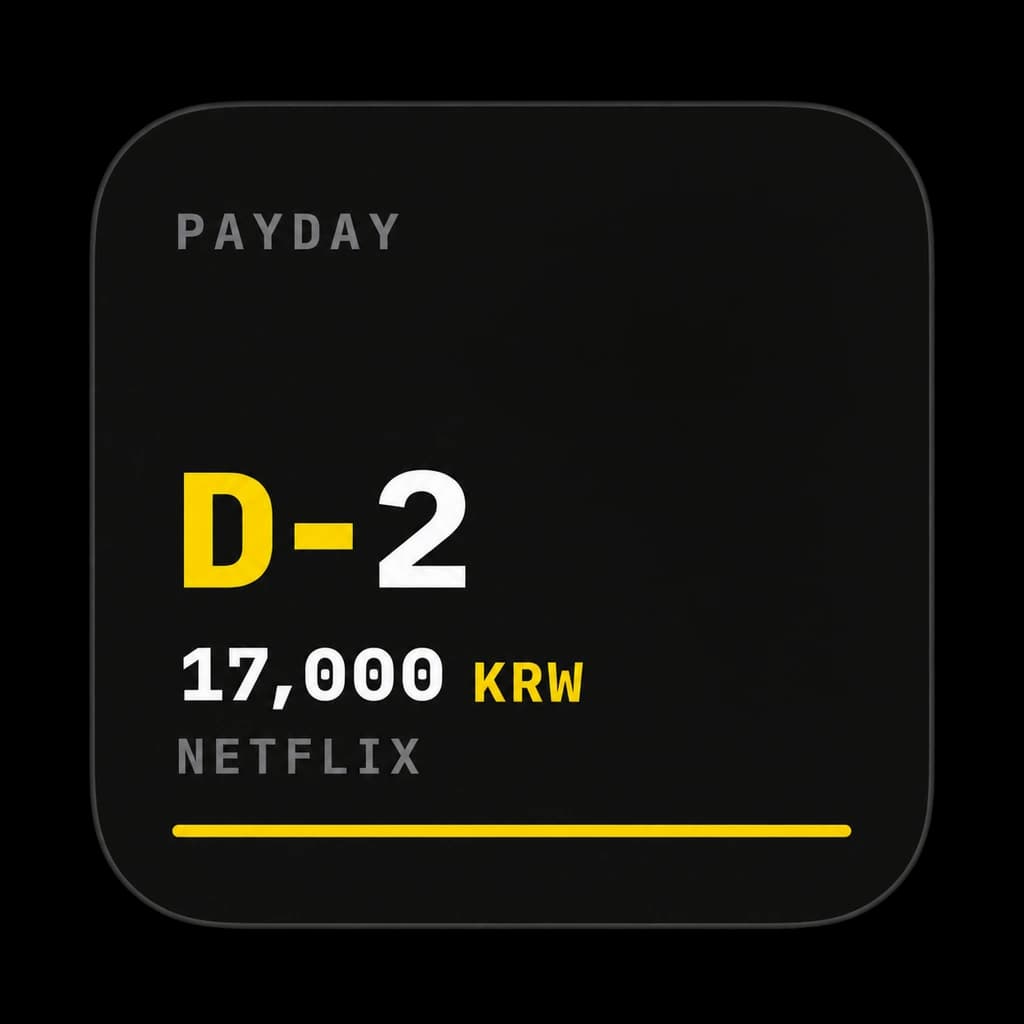
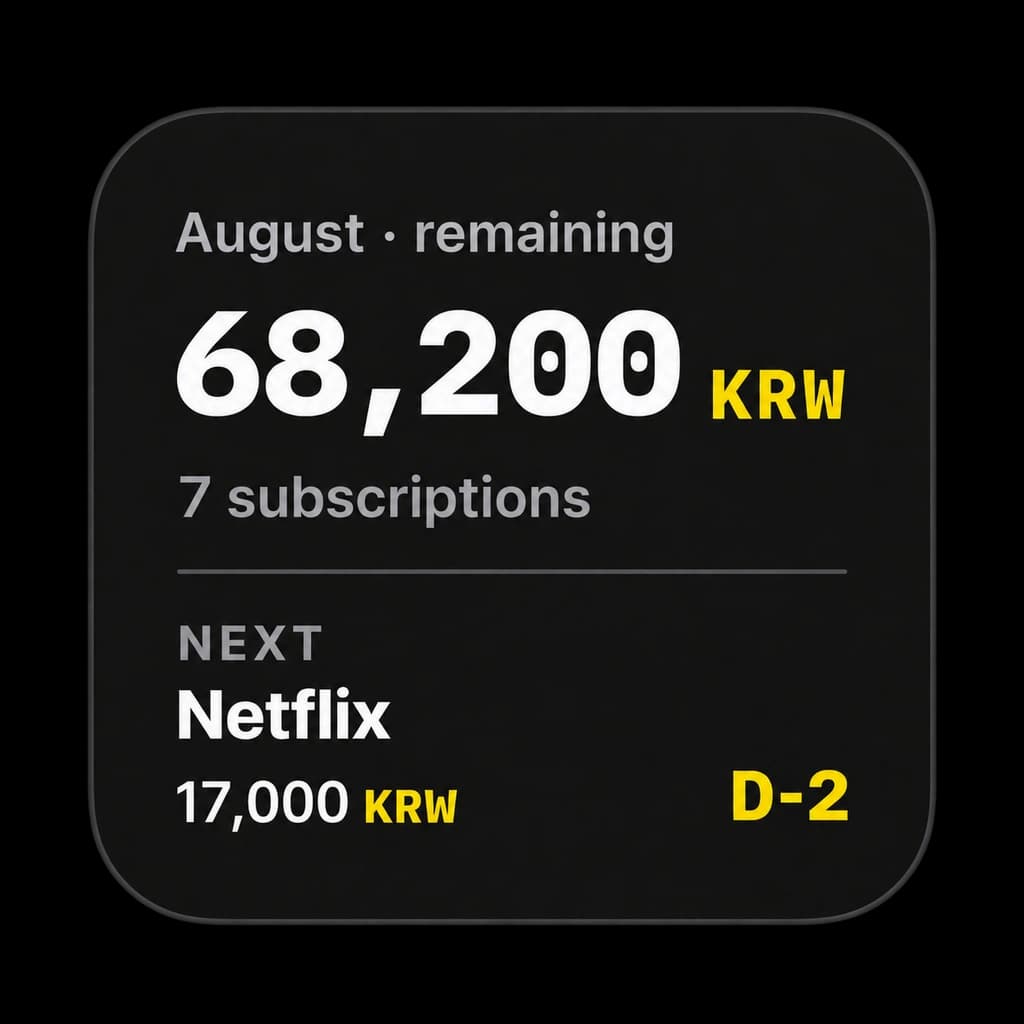
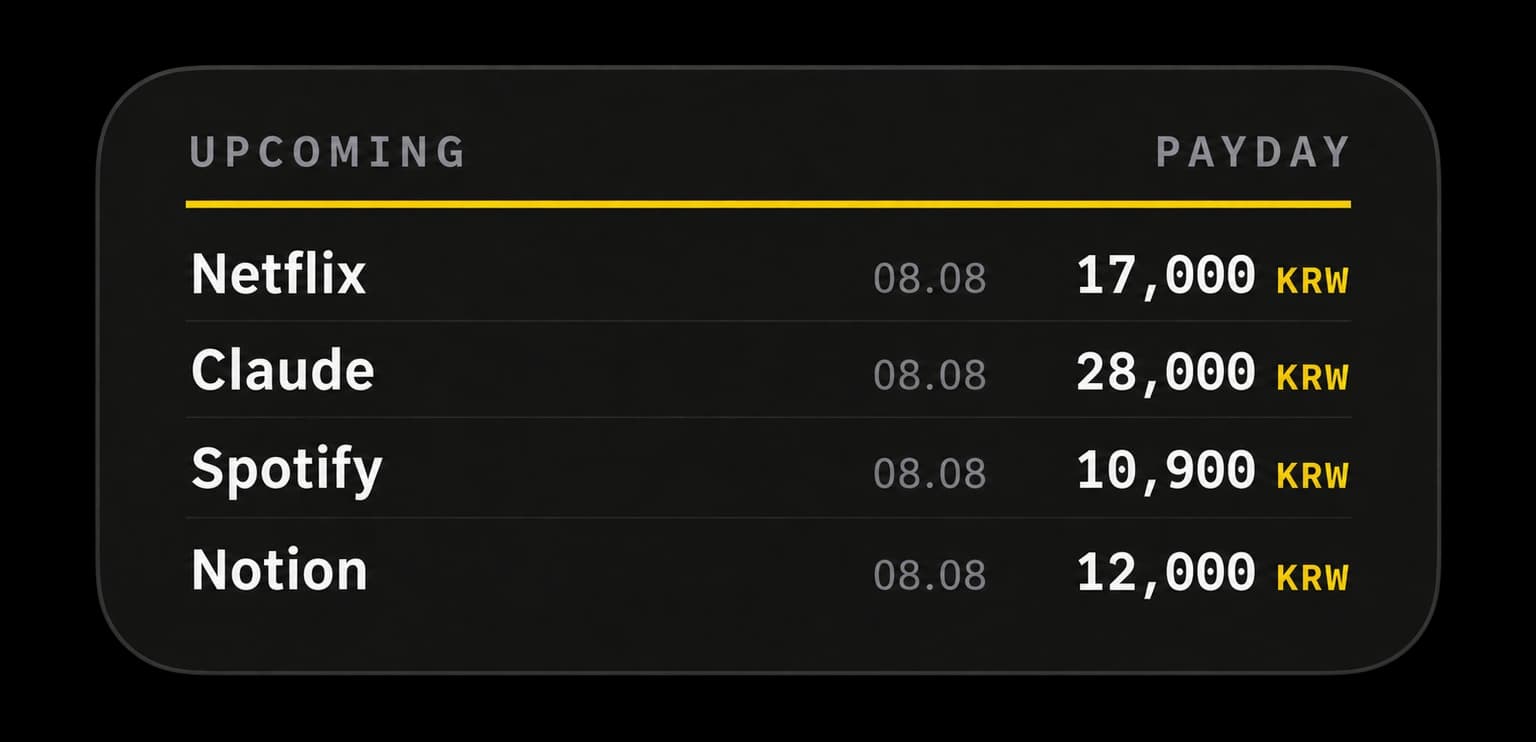
Choose the view that fits your Home Screen—your next payment, the month's total, or the next four charges coming up.

Papamoo Next Payment widget showing an upcoming Netflix payment
01Next payment
Papamoo Monthly Total widget showing remaining subscription spending
02Monthly total
Papamoo Upcoming Payments widget showing the next four charges
03Upcoming payments
From now to the next renewal

Five moments.One calmer month.

Start with the month in front of you, add the subscriptions that matter, then let the calendar and reminders keep watch. When a receipt already has the details, share it with Papamoo instead of typing them again.

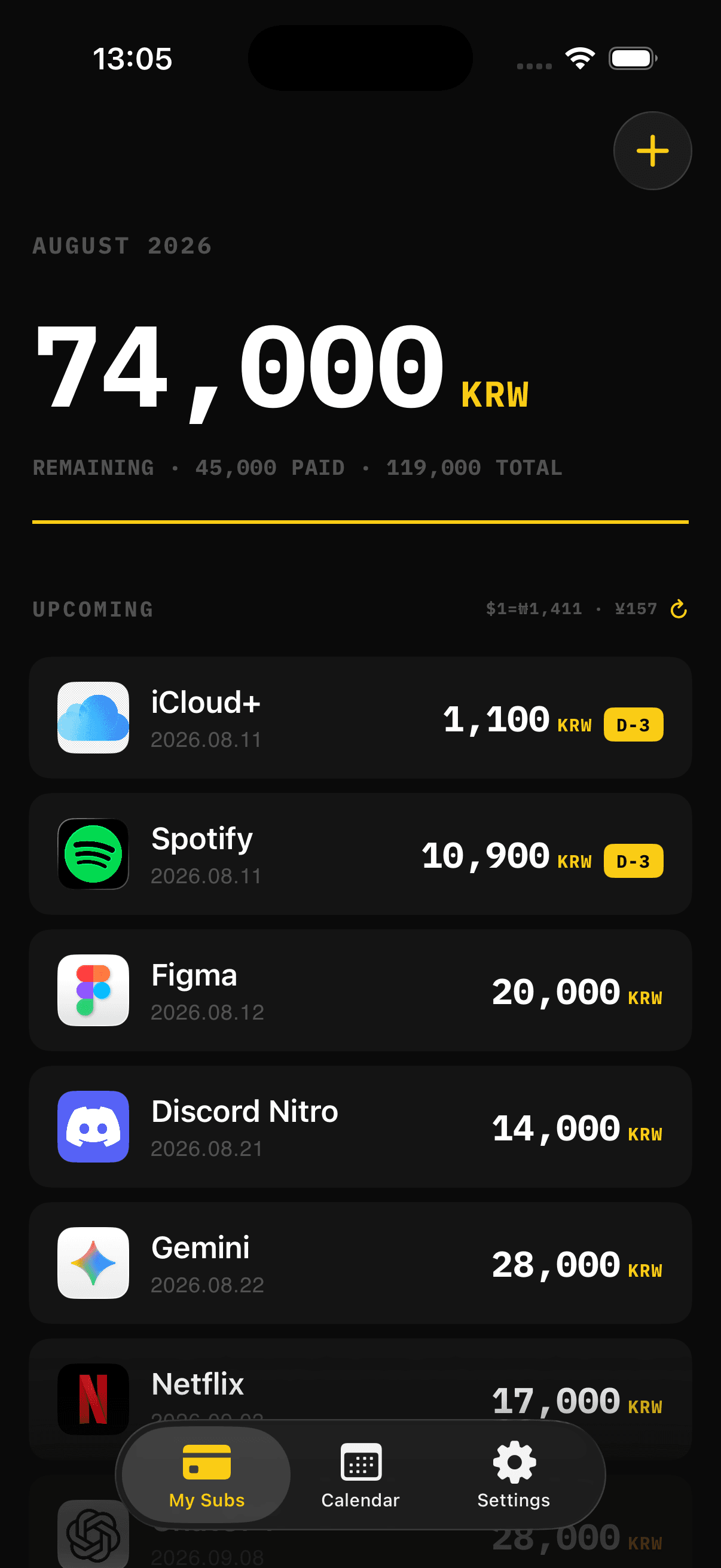
Papamoo home screen showing the monthly remaining total and upcoming subscriptions
01 / Home

Know what is left.Know what is next.

Your remaining budget, paid total, and upcoming subscriptions stay together in one monthly view. Live exchange rates keep foreign-currency charges grounded in what they will actually cost.

Monthly totalLive exchange ratesUpcoming charges
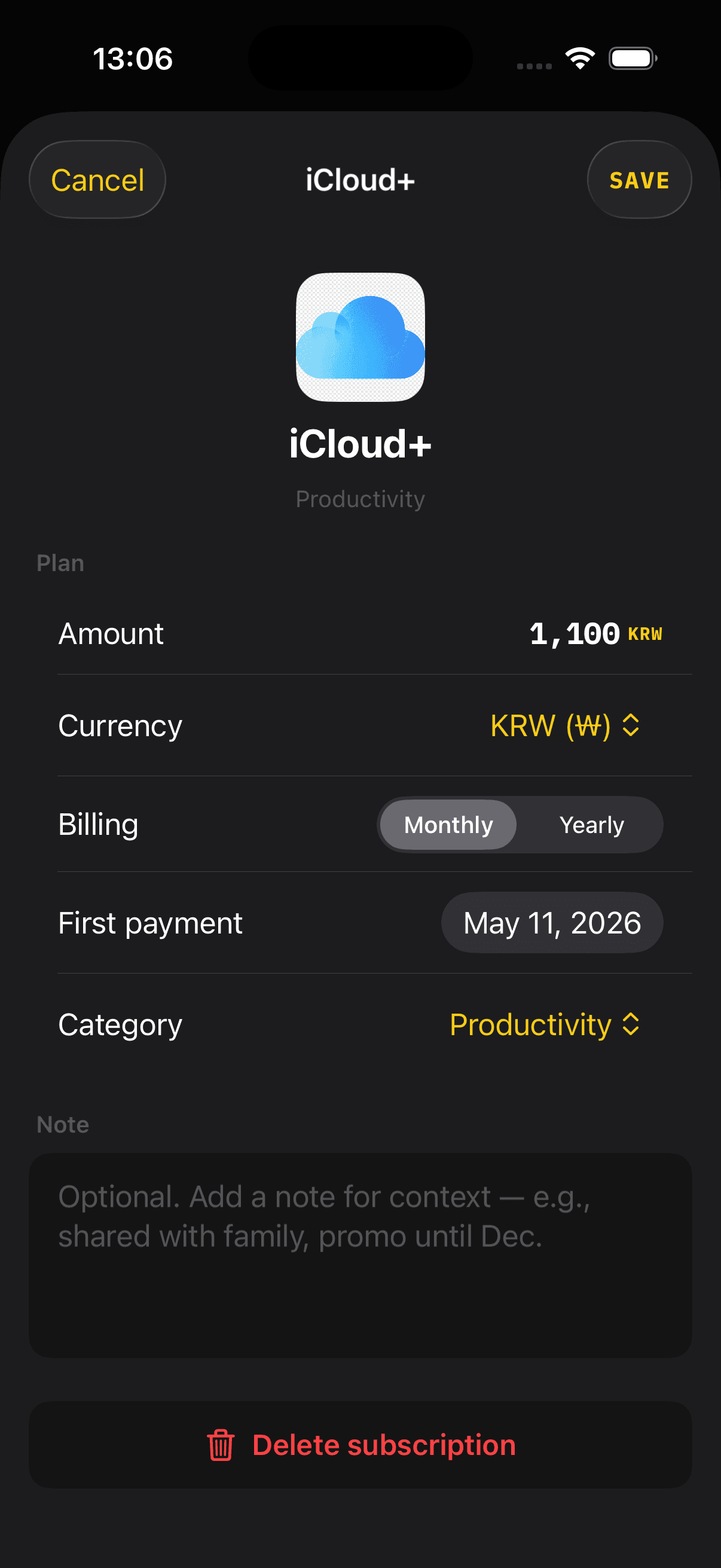
Papamoo subscription editor showing amount, currency, billing cycle, and first payment fields
02 / Add a subscription

Add the details.Keep the context.

Start with one of around 30 built-in services, then set the amount, currency, billing cycle, first payment, and an optional note. A missing service can still be added manually—or requested on GitHub.

Around 30 servicesMonthly or yearlyManual entry
Missing a service? Tell us on GitHub
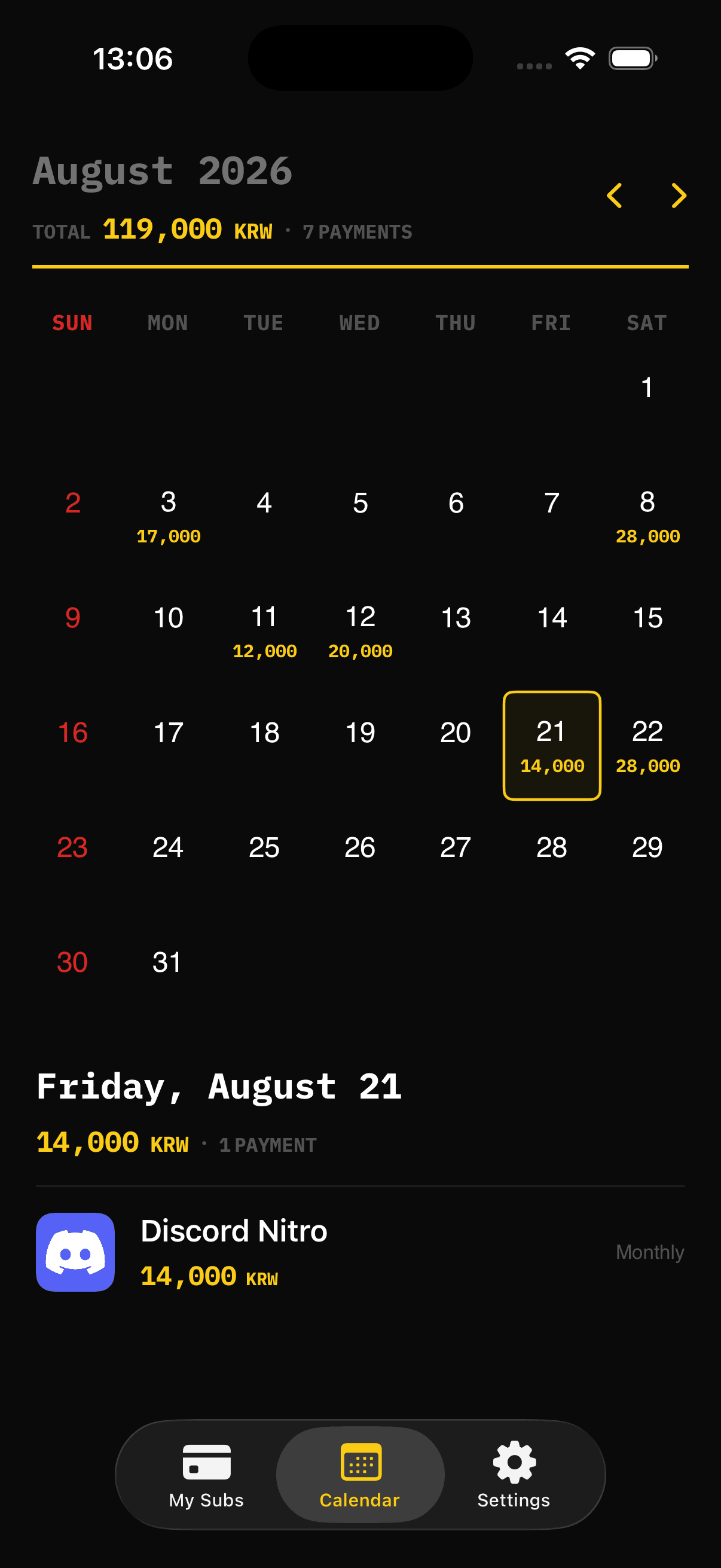
Papamoo calendar showing subscription payments by date and the selected day details
03 / Calendar

Every charge.On the right day.

Move month by month to see which days carry a payment and how much is due. Pick a date to open the services behind that total without leaving the calendar.

Monthly calendarDaily totalsPayment details
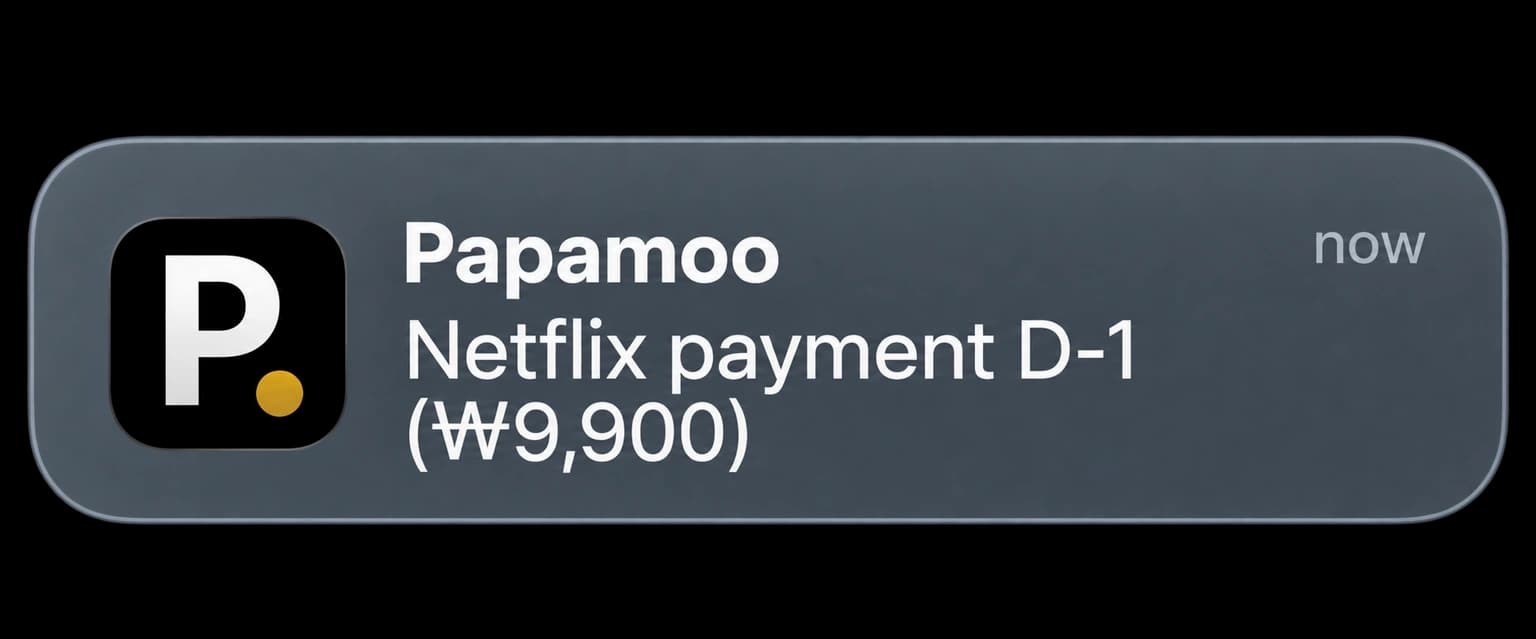
Papamoo notification reminding the user about a Netflix payment one day before renewal
04 / Reminders

A quiet heads-up.Before the charge.

Choose a reminder one day or three days before renewal. Papamoo schedules it locally, so the next payment reaches you before it reaches your card.

D-3 or D-1Local notificationsNo account needed
05 / Share Extension

Share a receipt.Skip the typing.

Send a payment screenshot to Papamoo from the iOS Share Sheet. Papamoo reads the service, amount, currency, billing cycle, and payment date on your device, then lets you review everything before saving.

On-device recognitionReview before savingNo upload
Private by default

Your spending story stays yours.

Subscription details and imported payment images stay on your device. Papamoo has no ads, analytics, tracking, or developer-operated account.

Read the privacy policy